
Access control basics for small teams - practical security controls that work
Small teams face the same access risks as larger organisations, but often have fewer people to manage them. Weak passwords, shared accounts and excessive permissions can allow unauthorised access to systems, customer data and business operations.
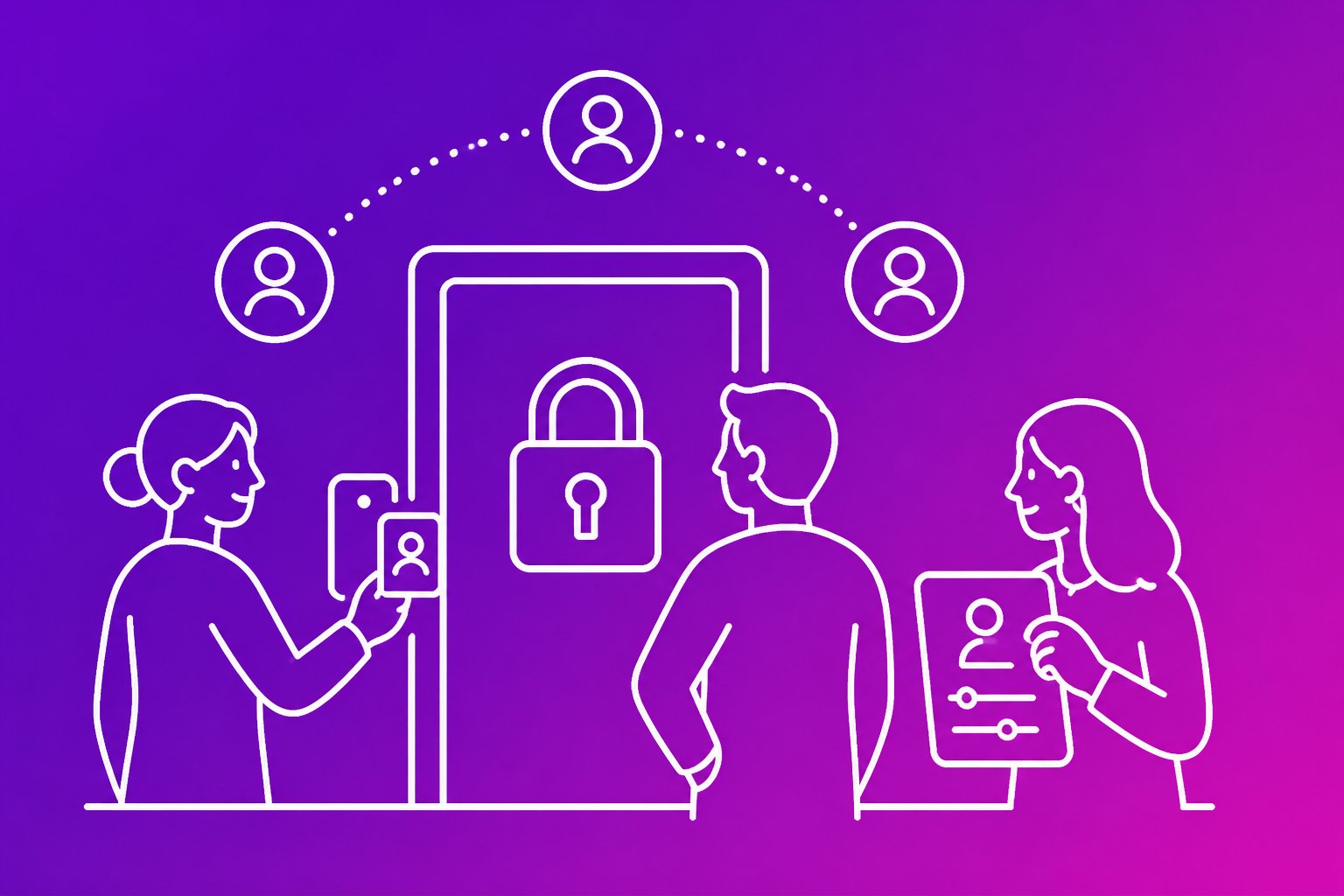
Small teams can reduce access risk by verifying each user, using strong authentication and granting only the permissions required for each job. Clear ownership, regular reviews and prompt removal of unused access help keep those controls effective as the team changes.
This guide explains how access decisions work, how to choose suitable credentials and how to build practical controls that support daily operations without creating unnecessary friction.
Key takeaways
- Strong authentication helps prevent unauthorised access.
- Job-based permissions limit avoidable exposure.
- Regular reviews keep access accurate as roles change.
How access decisions work

An access decision checks who is requesting access, whether the request is genuine and what that person or system needs to use. Clear identity records, strong authentication, defined authorisation rules and regular reviews reduce unauthorised access.
Identification, authentication and authorisation
Identification records who is requesting access, usually through a unique username or account name. Shared accounts weaken accountability because a team cannot reliably link an action to one person.
Authentication verifies that identity. Passwords, authenticator applications, security keys and managed single sign-on can provide evidence, while multi-factor authentication adds protection if a password is stolen. Credentials should remain private, and administrators should revoke them promptly when a person leaves or loses a device.
Authorisation decides what the authenticated account may do. Access controls should assign permissions through roles, groups or specific policies rather than informal requests. A finance user may need to view invoices but not change production settings. Logging should record important access and permission changes so operators can investigate misuse.
Applying the principle of least privilege
The principle of least privilege gives each person, service and device only the access needed for its current task. Excess permissions increase the damage from a stolen credential, accidental deletion or compromised workstation.
Operators should define permissions by job function, separate standard and administrator accounts and avoid granting permanent administrative rights for occasional tasks. Time-limited elevation can provide extra access only while a change or investigation requires it.
Access reviews should compare assigned permissions with current responsibilities. Managers or system owners should remove unused accounts, outdated group membership and access inherited from previous roles. Service accounts need named owners, limited scopes and rotated credentials. Operators should test whether each control blocks unauthorised actions without disrupting required work.
Digital and physical access boundaries
Digital access controls protect applications, data, networks and devices. Network segmentation, application roles and conditional policies can restrict access by account, device state, location or task. A user who can enter an office should not automatically reach sensitive systems.
Physical access control protects offices, server rooms, equipment and paper records. Locks, access cards, visitor registers, cameras and secure disposal reduce the risk of theft or tampering. Server rooms should have restricted access, while visitors should remain accompanied where sensitive equipment is present.
These boundaries must work together. A stolen laptop, unattended access card or propped-open door can bypass assumptions about digital security. Operators should revoke lost cards, disable compromised accounts, review entry logs and check that physical access matches current job responsibilities.
Choose authentication and credentials

Small teams should give each person an individual identity, use the least access needed and remove credentials promptly when roles change. Strong passwords, multi-factor authentication and carefully managed physical credentials reduce the risk of unauthorised entry to systems and premises.
Secure passwords and password management
Reused or shared passwords allow one stolen credential to open several services. Each person should use a unique, long password for every account, with no passwords shared through email, chat or spreadsheets.
A reputable password manager can generate, store and autofill passwords using encryption. The team should protect it with a strong master password and MFA, limit administrative access and keep recovery details current.
The business should record ownership for service accounts and avoid personal email addresses for shared services. It should review dormant accounts, remove access when someone leaves and rotate credentials after suspected exposure.
When to require multi-factor authentication
A stolen password becomes less useful when MFA requires a second factor. The team should require MFA for email, password managers, remote access, cloud administration, financial systems and any service containing customer or employee data.
An authenticator app or hardware security token usually provides stronger protection than text messages, which attackers may defeat through number takeover. The business should issue recovery codes securely and provide a controlled recovery process that verifies the person’s identity.
MFA does not remove every risk. Attackers may still trick users into approving fraudulent prompts or entering codes on a fake site, so staff should reject unexpected requests and report them. Administrators should review MFA enrolments and remove lost or unused tokens.
Cards, fobs, keys and biometrics
Physical credentials can grant access to offices, equipment and restricted areas. Each access card, fob or key should belong to one person or be logged to a named holder, rather than being shared without records.
The business should keep an inventory, restrict duplication and review door permissions by role. Staff should report loss immediately so electronic cards and fobs can be disabled. Lost mechanical keys may require lock replacement where they protect sensitive areas.
Biometrics can provide convenient identity checks, but biometric data cannot be replaced like a password if compromised. The team should understand where biometric templates are stored, protect them with encryption and provide a non-biometric alternative for failures, accessibility needs or privacy concerns.
Set permissions that match each job
Small teams reduce risk when each person receives only the access needed for their current duties. Clear roles, controlled exceptions and prompt account changes help protect customer data, business files and administrative settings.
Using role-based access control
Role-based access control (RBAC) assigns permissions to job roles rather than individual users. A small team might define roles such as support agent, finance administrator and system administrator, then link each role to specific applications, folders and actions.
The access control system should separate ordinary work from high-risk tasks. For example, a support agent may view customer records but not export them, while a finance administrator may manage invoices but not change identity management settings. Administrators should review role permissions regularly and remove access that no longer supports the role.
Identity and access management tools can apply these roles when an account is created or changed. They should also record approvals and access activity. Avoid creating broad roles simply because they are convenient, since excessive permissions increase the impact of a stolen account or human error.
When discretionary and mandatory controls fit
Discretionary access control (DAC) lets a file owner or authorised manager decide who can access a file. It suits collaborative work where teams need to share documents, but owners can create weak permissions, retain old users or share files with the wrong group.
The organisation should set default restrictions, limit external sharing and review sensitive files. DAC works best when owners understand the data and receive clear instructions about sharing and removal.
Mandatory access control (MAC) applies rules that users cannot override. A central policy assigns labels or clearance levels, then the system enforces them. MAC fits regulated, classified or highly sensitive information where users must not alter access decisions. It usually requires more planning and administration than DAC, so a small team should use it where the risk justifies the effort.
Managing joiners, movers and leavers
Access management should follow each worker through the joiner, mover and leaver process. Before a joiner receives an account, a manager should approve the required role, applications and groups. Identity management should use unique accounts, strong authentication and separate administrator accounts for privileged work.
When someone moves role, the team should remove the old permissions before adding new ones where practical. This prevents accumulated access, such as finance permissions remaining after a move to support. A scheduled review should compare active permissions with current duties.
When a leaver departs, an authorised person should disable sign-in, revoke sessions and tokens, remove group membership and recover company devices. The team should transfer business files and service ownership without transferring personal passwords. The access control system should retain suitable audit records for investigation and compliance.
Operate, review and scale the controls
Small teams reduce risk by recording significant access activity, checking permissions on a fixed schedule and applying the same controls to office and remote work. Clear ownership, timely removal of access and consistent configuration help an access control solution support growth without creating hidden security gaps.
Monitor activity and maintain audit records
A team should record sign-ins, failed authentication attempts, privilege changes, new accounts, account disabling and access to sensitive systems. Logs should include the user, timestamp, source location or device where available and the action performed.
An operator should review alerts for unusual patterns, such as repeated failed logins, access outside normal working hours or a user downloading more data than their role requires. The security system should send high-priority alerts to a monitored mailbox or collaboration channel rather than relying on someone to check logs manually.
Audit records should remain protected from alteration and follow a defined retention period that matches legal, contractual and operational needs. The team should document who reviews alerts, how they record decisions and when they escalate suspected insider threats or compromised accounts.
Run access reviews and remove excess permissions
The team should review access at least quarterly and whenever someone changes role, leaves the business or stops using a service. A manager should confirm that each person still needs every assigned application, group and administrative privilege.
A simple review record can include:
- User and role
- Application or resource
- Permission level
- Approving manager
- Review date
- Removal or retention decision
The operator should remove unused accounts, shared credentials and permissions that no longer support current duties. They should disable access promptly when employment ends and transfer business records to an approved owner instead of keeping the departing user active.
The team should investigate repeated requests for unnecessary privileges. Excess access increases the impact of stolen credentials, mistakes and deliberate misuse, so the access control process should favour the minimum permission needed for each task.
Secure remote work and plan for growth
Remote access should require individual accounts, multi-factor authentication and managed devices where the team handles sensitive information. The access control solution should restrict administrative functions to approved devices or trusted network paths where practical, while avoiding shared accounts that prevent reliable auditing.
A team should define how workers connect to internal services, report lost devices and receive support after a suspected compromise. It should revoke sessions and reset credentials when a device is lost, an account is breached or a worker leaves.
As the business grows, the operator should replace manual one-off changes with role-based groups, central identity management and documented approval rules. The security system should support logs, automated provisioning and deprovisioning, regular access reviews and integration with key business applications. Testing these controls before expansion helps prevent inconsistent permissions across new teams and services.
Frequently asked questions
Access control limits each person’s access to the systems and data required for their work. Small teams can reduce risk by assigning role-based permissions, reviewing access regularly and removing accounts promptly when employment ends.
What is access control in cyber security?
Access control determines who can access a system, application, file or service and what they can do there. It combines identity checks, permissions and activity controls.
Without effective access control, a compromised account may expose customer records or allow unauthorised changes. A small team should require individual accounts, strong authentication and permissions based on job needs.
What are the main types of access control?
The main types include:
- Role-based access control: Access depends on a person’s job role.
- Attribute-based access control: Access depends on attributes such as department, device status or location.
- Discretionary access control: An owner decides who can access a resource.
- Mandatory access control: A central policy assigns access based on formal security classifications.
Role-based access control usually provides the clearest starting point for a small team. The team should still restrict sensitive actions, such as changing payment details or deleting records.
How do role-based access controls work for a small team?
The team first lists its common roles, such as administrator, finance, sales and support. It then assigns each role the minimum access required for its routine tasks.
For example, a support role may view customer tickets but not export the full customer database. Only a limited number of administrators should manage security settings, create accounts or change permissions.
What access permissions should new employees receive?
New employees should receive only the access required for their stated duties. The manager should approve the request, while an administrator applies the permissions from an existing role.
The team should avoid shared accounts and temporary broad access. If an employee needs extra access, the request should record the business reason, approver and end date where appropriate.
How often should user access rights be reviewed?
The team should review access at least every six months and after role changes, team transfers or major system changes. Sensitive systems may require more frequent reviews.
The review should compare each account with the person’s current duties. The team should remove unused accounts, reduce excessive permissions and record who approved the changes.
What is the best way to remove access when someone leaves?
The team should use a documented offboarding process that starts when the departure is confirmed. It should disable identity provider access, email, remote access, cloud applications, physical access and privileged accounts at the agreed time.
An administrator should revoke sessions, rotate shared secrets and transfer business records to an approved owner. The team should retain an audit record showing when access ended and which systems were checked.